
How to Export Kindle Highlights and Notes: 4 Ways Compared
Highlights are the fastest way to remember why a book mattered to you. Getting them out of Amazon is less obvious. Here are the four routes that exist, what each one gives you, and where they stop.
The options at a glance
| Method | What you get | Works for |
|---|---|---|
| Kindle for Web: Notes & Highlights | A page per book that you can read and copy from | Books in your Amazon library |
| Kindle mobile app: Export Notebook | An email with an HTML file, with an optional citation style | Books read in the app |
| Kindle e-reader: My Clippings.txt | One plain-text file with every clipping from the device | Books read on that Kindle |
| Highlight sync services | Highlights copied into a notes app or service | Depends on the service |
Availability, menu names and limits differ by device, app version, store and book.
The four ways in detail
1. Kindle for Web: Notes & Highlights
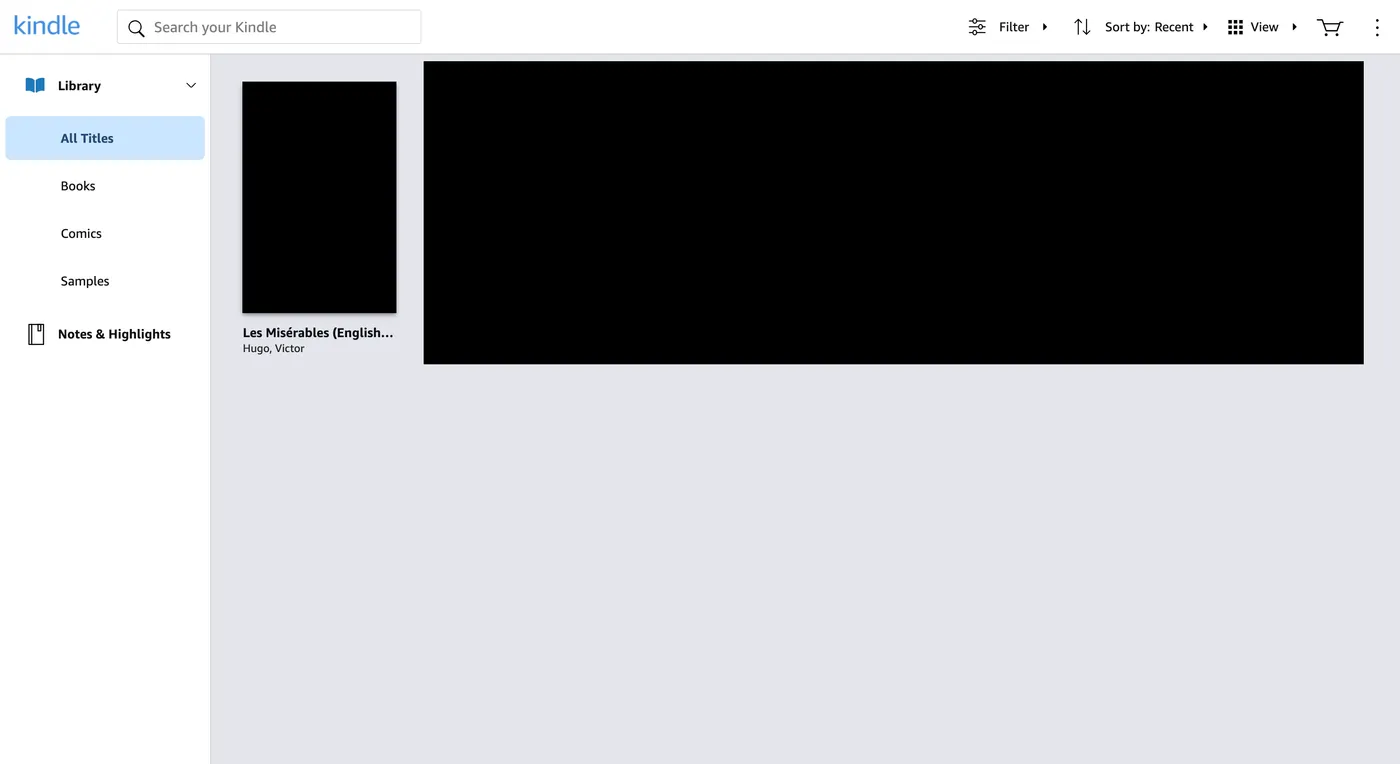
Open Kindle Cloud Reader (Kindle for Web) for your store, such as read.amazon.com/notebook in the US, and choose Notes & Highlights. Pick a book to see its highlights and notes in order. There is no download button, but you can select and copy the text.
2. Kindle mobile app: Export Notebook
Open the book in the Kindle app on your phone or tablet, open its notebook, and use the share or export option. You can choose a citation style and send the notebook by email; it arrives as an HTML file you can open in a browser. Not every book offers this option.
3. Kindle e-reader: My Clippings.txt
Connect your Kindle e-reader to a computer with a USB cable and open the documents folder. My Clippings.txt holds the highlights and notes you made on that device, across all books, in one plain-text file.
4. Highlight sync services
Some note-taking and reading services can import Kindle highlights for you. Check what account access they need and how they store your data before you connect your Amazon account.
Why some highlights are missing: export limits
Publishers can set a limit on how much of a book can be clipped or exported. When you reach it, newer highlights may still show in the book but not in the export, or the export option may tell you the limit has been reached. This limit is set per book, so the same steps may work for one title and not another.
When highlights are not enough for AI
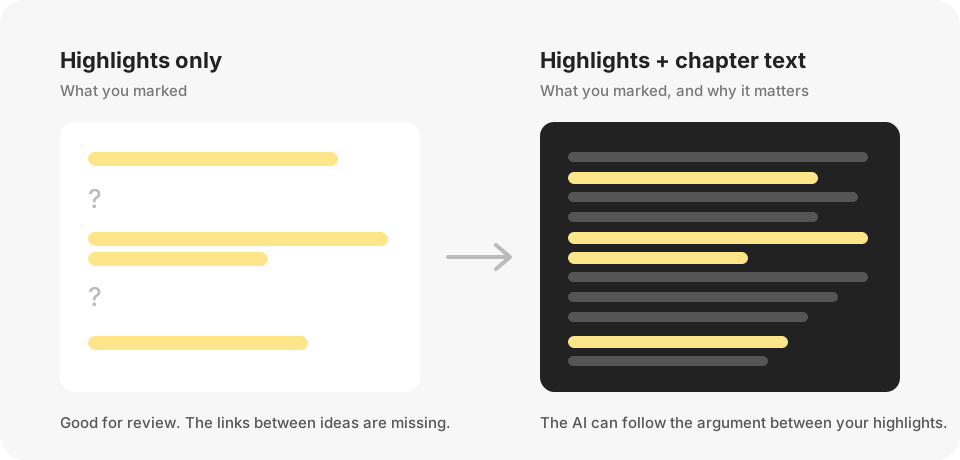
Exported highlights are great for review. When you ask an AI “why does the author conclude this?” or “how does this chapter connect to the last one?”, it needs the surrounding text too, and a list of fragments cannot supply it.
If you want to ask about whole chapters of a book you own, BookHalo can turn the pages you are viewing in Kindle Cloud Reader into a TXT file and a reference PDF for your personal notes. When highlights fall short for AI reading · How to use AI with Kindle books
Frequently asked questions
Can I export Kindle highlights to a file?
Yes, in two ways: Export Notebook in the Kindle mobile app sends an HTML file by email, and a Kindle e-reader keeps a My Clippings.txt file you can copy over USB. Kindle for Web lets you view and copy highlights but has no download button.
Why are some of my highlights missing from the export?
Publishers can limit how much of a book can be exported. Once a book reaches its limit, further highlights may not appear in exports.
Do highlights from a borrowed or Kindle Unlimited book export?
Highlights may remain visible in your account, but what you can export depends on the book and its limits. Do not use exported text from borrowed books beyond what the loan allows.
Can I use my Kindle highlights with ChatGPT or Gemini Notebook?
Yes, for your own review. Paste or upload them and ask the AI to group them by theme. For questions about the reasoning between highlights, add the surrounding text. Check the AI service’s terms first.
Keep it personal
Exported highlights and the files BookHalo creates are for your own reading notes and study. Do not share, sell or publish them, and check an AI service’s terms and sharing settings before uploading book text.
Sources
Checked October 2026. Amazon may change menu names, export options and limits.
Need more than highlights?
Try BookHalo on three pages of a book you own and see whether the TXT works for your notes.
Open BookHalo on Chrome Web StoreCapture is limited to personal or household use of books you purchased or otherwise have rights or permission to copy and retain. Kindle Unlimited, Prime Reading, loans and samples are excluded unless you separately have those rights or permission.
Agree using the checkbox in the popup; your agreement is saved in this browser. Purchase or confirmation alone does not authorize copying, prove ownership or guarantee legality. Read any Kindle warning and do not bypass restrictions.
Sending content to an external AI service is separate from copying it on your device. Check your rights to upload, store and share it, the destination terms, training and sharing settings, and conditions for using generated output. Buying a book does not necessarily permit uploading its full text.