How to Use Kindle Books in NotebookLM
This guide shows how to create personal reading-note text from a Kindle Cloud Reader book with BookHalo, then use that text in Google NotebookLM for summaries, questions, reading notes, and audio overviews.
full_text.txt, then use that text file in NotebookLM for your own reading notes. Use the PDF for visual reference and the TXT file as the AI-friendly source.
What you need
- Desktop Google Chrome
- A Kindle book you can lawfully access in Kindle Cloud Reader / Kindle for Web
- BookHalo
- Google NotebookLM
BookHalo is a Chrome extension. It works in the browser-based Kindle reader, not in the Kindle desktop or mobile app.
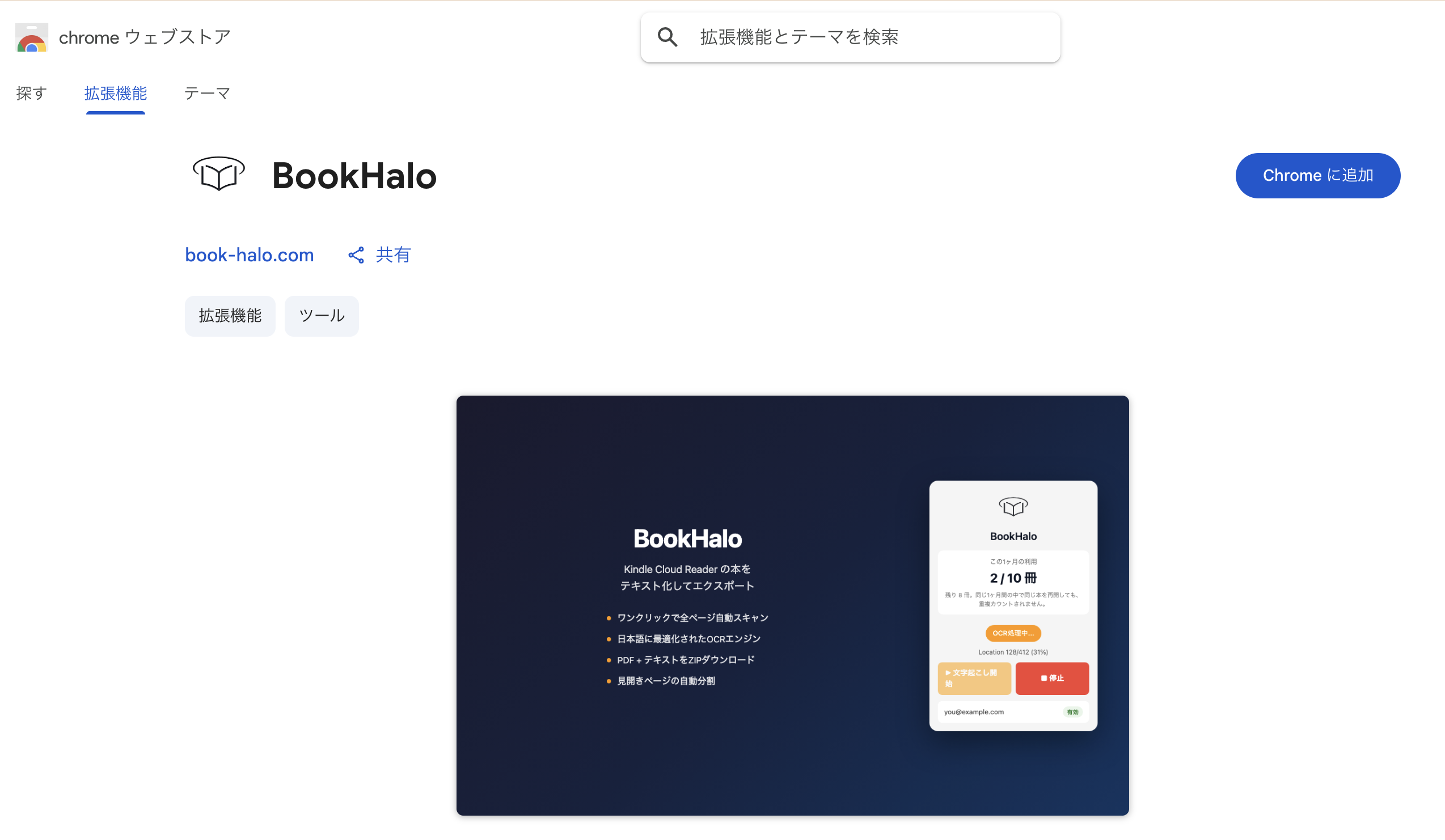
1. Install BookHalo from Chrome Web Store
Install BookHalo from the Chrome Web Store. After installation, pin BookHalo to your Chrome toolbar so it is easy to start while your Kindle book is open.
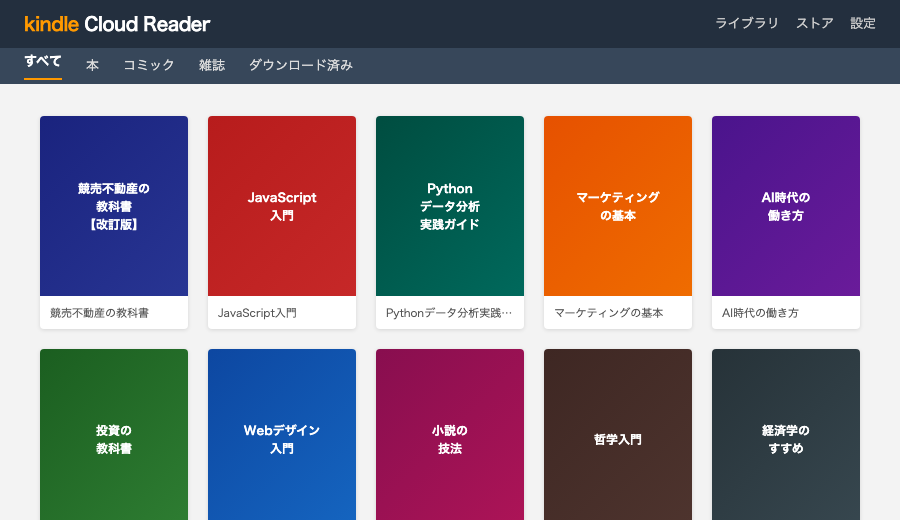
2. Open your book in Kindle Cloud Reader
Open read.amazon.com or your regional Kindle Cloud Reader / Kindle for Web domain, then open the book you want to use in NotebookLM.
Important: use the browser reader. Kindle samples and preview-only pages are not supported.
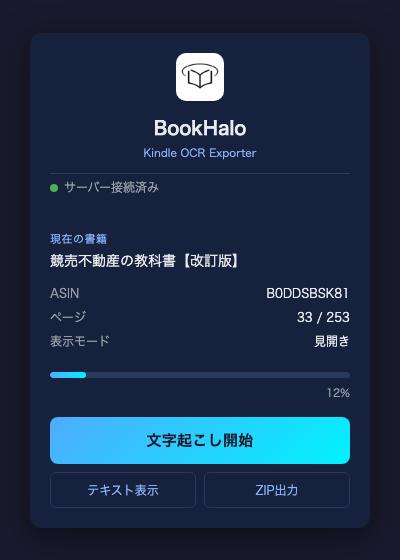
3. Create TXT and PDF with BookHalo
With the book open, click the BookHalo icon and start it. BookHalo turns pages, captures visible pages, transcribes them, and downloads a ZIP file when processing is complete.
The ZIP usually contains:
full_text.txt: transcribed reading-note textbook.pdf: reference PDF for processed pages
4. Use full_text.txt in NotebookLM
Create a new NotebookLM notebook, unzip the BookHalo result, and use full_text.txt as a personal reading-note source. Name the notebook with the book title and author so it is easy to find later.
5. Ask better first questions
Instead of asking for a generic summary, ask for a specific output shape.
Explain the three central arguments of this book.
For each one, summarize the supporting evidence from the text.
I want to apply this book at work.
Give me five practical actions I can try this week.Why TXT is usually better than PDF for NotebookLM
NotebookLM can ingest PDFs, but for transcribed output the plain text file is usually the better first source.
- It is easier to inspect and quote.
- It is easier for AI tools to parse.
- It can also be used in ChatGPT, Claude, and other tools for personal reading notes, if their terms allow it.
- The PDF remains useful for checking page layout and visual context.
Regional Kindle stores
BookHalo supports multiple Kindle Cloud Reader / Kindle for Web domains, but Kindle availability can differ by region and account. If your local Kindle for Web domain behaves differently, try the free tier first and contact us with the domain and book type.
Best-fit books
- Business books
- Technical books
- Language-learning books
- Novels you want to annotate or discuss
- Any book you want to revisit through Q&A
Frequently asked questions
Can NotebookLM read Kindle books?
Check the available source first. Eligible DRM-free Kindle purchases can have EPUB/PDF downloads when the publisher enables them; Kindle Unlimited loans do not qualify for that download option. If you are working from pages displayed in Kindle Cloud Reader, BookHalo can create TXT and a reference PDF for a personal reading workflow. Check the output and your permission to use it before uploading.
Can NotebookLM read EPUB files?
Yes. Google lists ePub among the supported sources for Gemini Notebook, the current notebook tool. If you already have a suitable EPUB or PDF that you are permitted to upload, use that file directly; OCR is not needed for that route.
Source formats checked on September 9, 2026: Google’s supported sources and Amazon’s DRM-free download guidance.
Does this work with Audio Overviews?
Yes. Once the book's text is a source in your notebook, Audio Overviews work on it like on any other document — useful for re-listening to a book's argument during a commute.
Is this allowed?
BookHalo does not touch DRM. It captures what your own screen already displays, for personal reference — the same as photographing pages of a book you own, minus the labor. Keep the output to yourself; sharing or publishing it would infringe copyright.
BookHalo is available on the Chrome Web Store. You can create TXT/PDF files from books you can access in Kindle Cloud Reader for personal reading notes, study, and research.
Open BookHalo on Chrome Web Store