
How to Turn a Kindle Book into a Podcast-Style Audio Overview
An Audio Overview is not an audiobook. It is a conversation between two AI hosts about your sources: what the book argues, which scenes matter and how the ideas connect. It is a good way to revisit a book on a walk, and a poor substitute for reading it.
Go to Chrome Web Store ↗
Listen first: a real English Audio Overview
This episode was generated with NotebookLM, now Gemini Notebook, from A Christmas Carol by Charles Dickens, a public-domain book. It is the full, unedited episode.
Gemini Notebook can also make a Video Overview from the same sources:
Make an Audio Overview from your Kindle book
the text
Gemini Notebook
audio
check
Prepare the book’s text
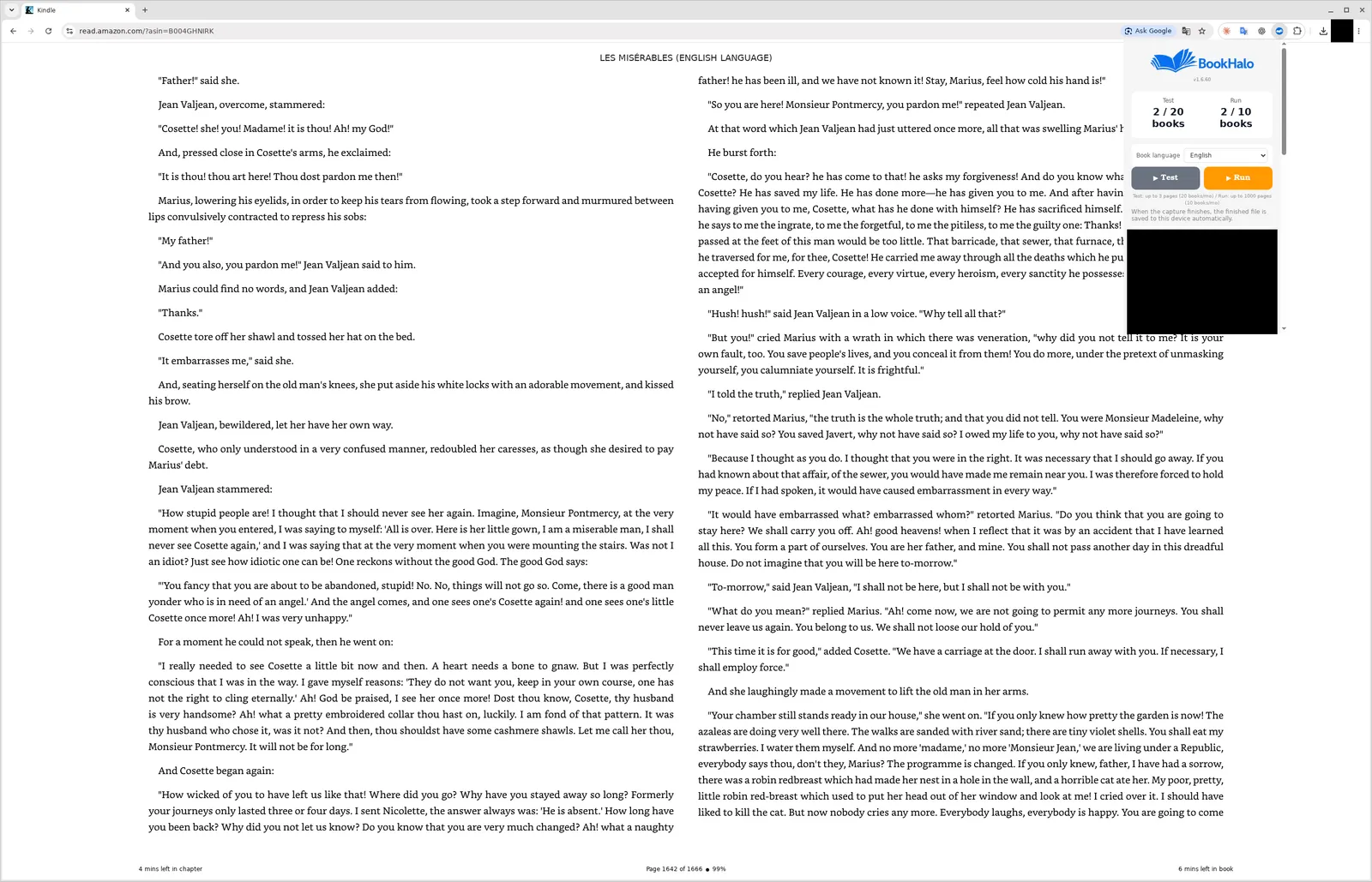
Kindle books cannot be added to Gemini Notebook directly. Use a PDF or EPUB you are permitted to use, or open the book in Kindle Cloud Reader and create a TXT file and reference PDF with BookHalo. Start with the free three-page test.
Add the text to a new notebook
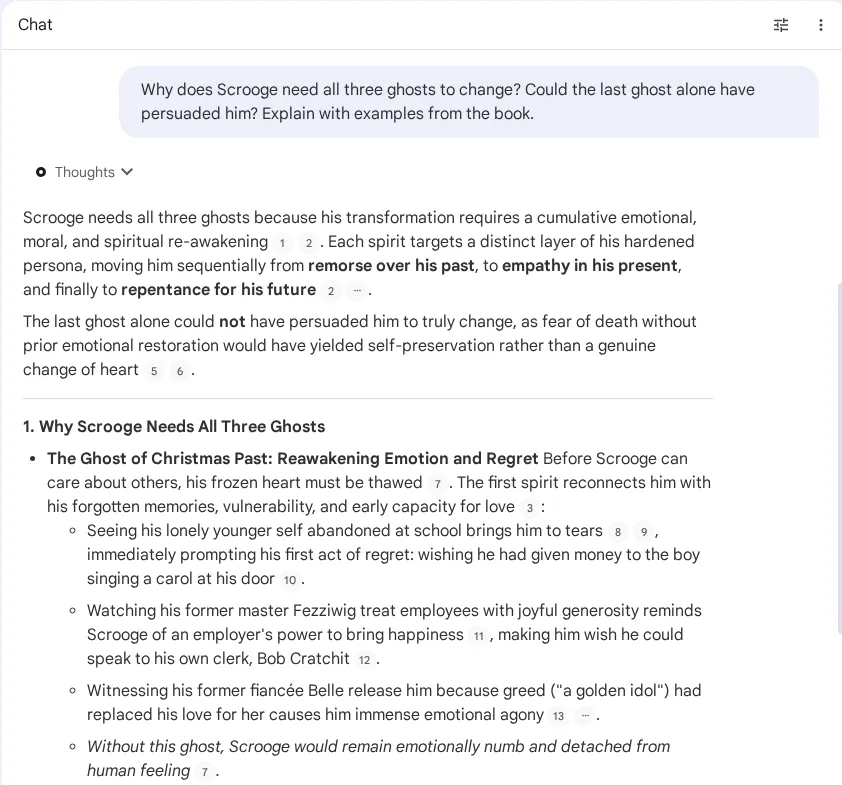
Create a notebook named after the book and add the TXT as a source. Ask one or two questions first to confirm the whole book was read.
Generate the Audio Overview
Open Audio Overview in the Studio panel. Use the customize option, where available, to say what the hosts should focus on, then generate. It can take several minutes.
Listen, then check what matters in the book
The hosts summarize and interpret, and they can get details wrong. Before you quote or rely on a point, find it in the TXT or the book.
Steer the episode with a focus prompt
Without guidance, the hosts give a general overview. A short focus note makes the episode far more useful. Examples:
Focus on the three main arguments and the evidence for each.
Assume the listener has already read the book.
Focus on chapters 4 to 6 and how they change the story.
Avoid spoilers beyond chapter 6.
Discuss how I could apply this book at work as a new team manager.
Keep what the author says separate from your suggestions.
Prefer to ask questions instead? How to add a Kindle book to Gemini Notebook covers the question-and-answer side.
Frequently asked questions
Is an Audio Overview the same as an audiobook?
No. An audiobook reads the text aloud. An Audio Overview is an AI-generated discussion about your sources: shorter, selective and interpretive. Use it to revisit a book, not to replace reading it.
Can Gemini Notebook read my Kindle book directly?
No. Add a file it supports, such as a PDF, EPUB or text you are permitted to use. BookHalo can create TXT and a reference PDF from the pages you view in Kindle Cloud Reader.
Can I post the Audio Overview as a podcast?
Do not publish or share episodes made from copyrighted books. They are derived from the book’s content and are for your personal listening only. The sample on this page uses a public-domain book.
Can I make an Audio Overview of just one chapter?
Yes. Add only that chapter as a source, or select only that source before generating, and mention the chapter in the focus prompt.
For your ears only
Use books you can lawfully access, and keep both the BookHalo files and the generated audio to yourself. Sharing, selling or publishing them is not allowed. Check Gemini Notebook’s terms and sharing settings before uploading book text.
Sources
Checked October 2026. The sample was generated before NotebookLM was renamed Gemini Notebook in July 2026. Audio options and limits vary by plan and date.
Hear your own book next
Start with a free three-page test in Kindle Cloud Reader. Sign-in is required.
Open BookHalo on Chrome Web StoreCapture is limited to personal or household use of books you purchased or otherwise have rights or permission to copy and retain. Kindle Unlimited, Prime Reading, loans and samples are excluded unless you separately have those rights or permission.
Agree using the checkbox in the popup; your agreement is saved in this browser. Purchase or confirmation alone does not authorize copying, prove ownership or guarantee legality. Read any Kindle warning and do not bypass restrictions.
Sending content to an external AI service is separate from copying it on your device. Check your rights to upload, store and share it, the destination terms, training and sharing settings, and conditions for using generated output. Buying a book does not necessarily permit uploading its full text.