
Use Kindle Books with Claude
Claude is useful for long-form reading tasks, but it still needs source text. BookHalo creates transcribed text from Kindle Cloud Reader pages so you can use your own reading notes with Claude more easily.
Core idea: BookHalo handles the capture and transcription step. Claude handles the thinking step after you provide
full_text.txt.When this helps
- You want a structured chapter summary.
- You want to compare themes across several sections.
- You want study notes or discussion questions.
- You want to turn a dense book into an outline you can revisit.
Workflow
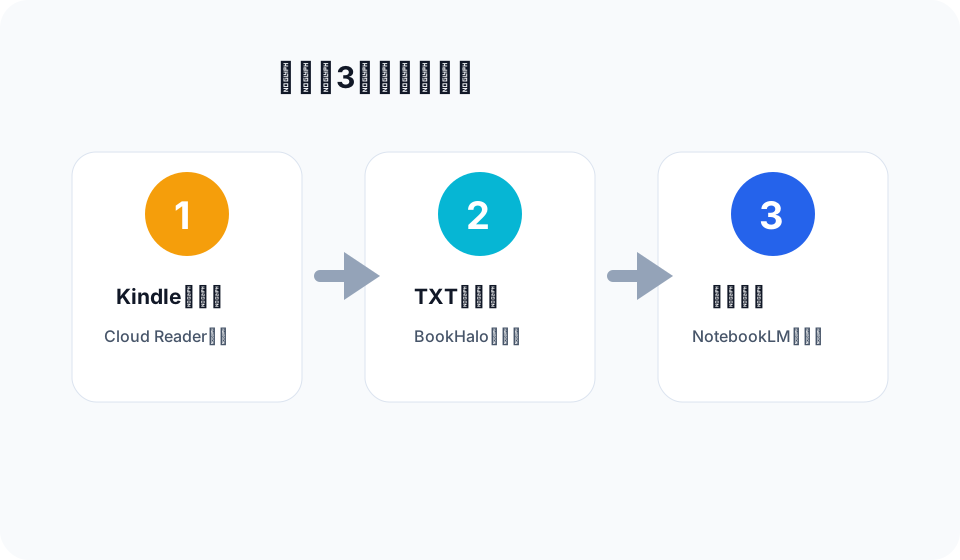
- Open the Kindle book in your browser using Kindle Cloud Reader or Kindle for Web.
- Run BookHalo from the Chrome toolbar.
- Download the ZIP after transcription completes.
- Use
full_text.txtwith Claude for personal reading notes and study support.
Claude prompts to try
Build a section-by-section outline of this text.
Mark the parts that seem most important for understanding the author's argument.
Create a study guide with key terms, central claims, and five discussion questions.Important caveats
Use this workflow only for books you can lawfully access and for your own personal reading notes. Transcription is not perfect. If you need exact wording, verify against the Kindle page.
BookHalo is a Chrome extension that transcribes Kindle Cloud Reader pages for reading-note exports.
Open BookHalo on Chrome Web Store