
Kindle Cloud Reader to AI-ready reading notes
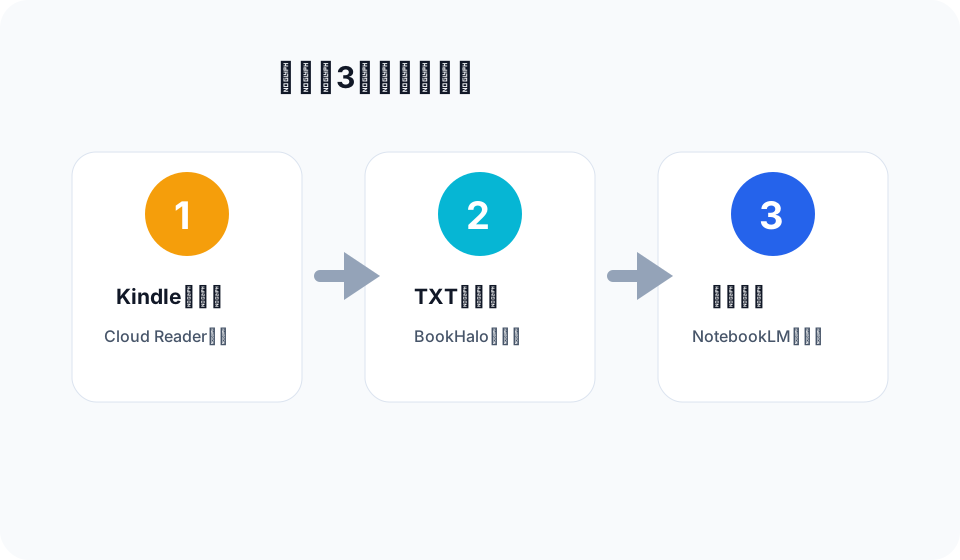
BookHalo turns pages, captures visible Kindle Cloud Reader pages, transcribes them, and downloads a ZIP with full_text.txt plus a reference PDF. These solution pages cover the main ways readers use that output.
AI reading workflows
Use Kindle books in NotebookLM
Create full_text.txt, then use it as a NotebookLM source for summaries, questions, audio overviews, and study notes.
Send Kindle reading-note text to ChatGPT
Use the transcribed text with ChatGPT for summaries, action lists, comparisons, and practical notes.
Turn a Kindle book into a PDF (plus searchable text)
Manual screenshots, printing, and converters compared honestly — and the page capture route.
Ask Gemini about the book you actually read
Upload the transcribed text to Gemini so answers come from your pages, not a guess from the title.
Use Kindle books with Claude
Prepare readable text from Kindle Cloud Reader pages before asking Claude to analyze or reorganize a book.
Text extraction workflows
Transcribing Kindle Cloud Reader pages
When copy-paste is not enough, transcribe the pages you can view, right in the browser.
Convert Kindle pages to plain text
Create a plain text reading-note file that is easier to search, inspect, and reuse.
When Kindle highlights are not enough
Highlights are fragments. Use transcribed text when AI reading tools need more context.
Japanese reading workflows
Try BookHalo with a few pages from a book you can access in Kindle Cloud Reader.
Open BookHalo on Chrome Web Store